Sharing Contracts or Family Views
If you are collaborating with your colleagues in KI, you can more easily share a document or family view via the new Share icon. Please note this feature requires users to have access to KI to view the shared content.
- Click on the Share icon
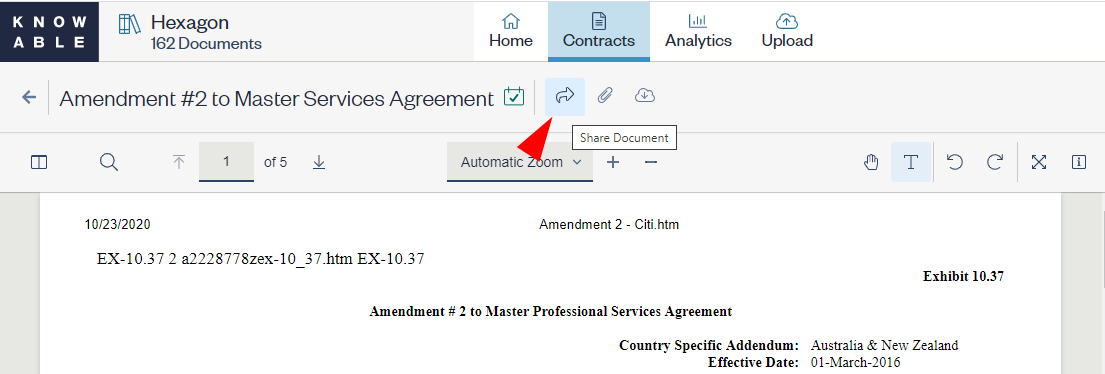
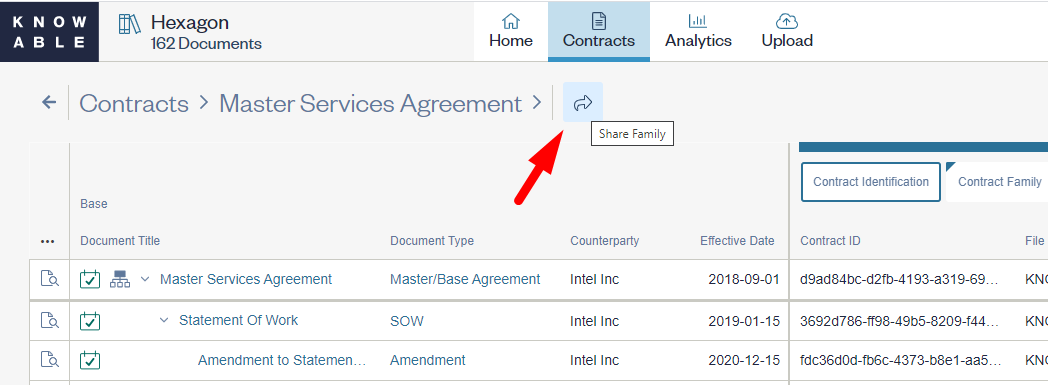
- When looking at the Contract Details or Family View page, the icon is located in the top area after the document title and active status icon.
- A tooltip, either “Share Document” or “Share Family,” is available when you hover over the icon.
- Your default email client opens up with your name, the direct link to the document or family view you want to share, and a reference ID for that contract or family. Customize and send your email to your colleague(s) in the Knowable platform.
Comments
0 comments
Please sign in to leave a comment.